Your visual library for the web
Save web visuals to a library
that lasts
Save images, GIFs, and videos you discover online into a library you control. PicStack keeps the original files and the page they came from, so your collection still exists even when posts disappear.
- You keep ownership of every upload
- Encrypted storage with workspace-only access
- Export your library anytime
- Stored
- Original files
- Captured
- From the browser
- Found
- Semantic search
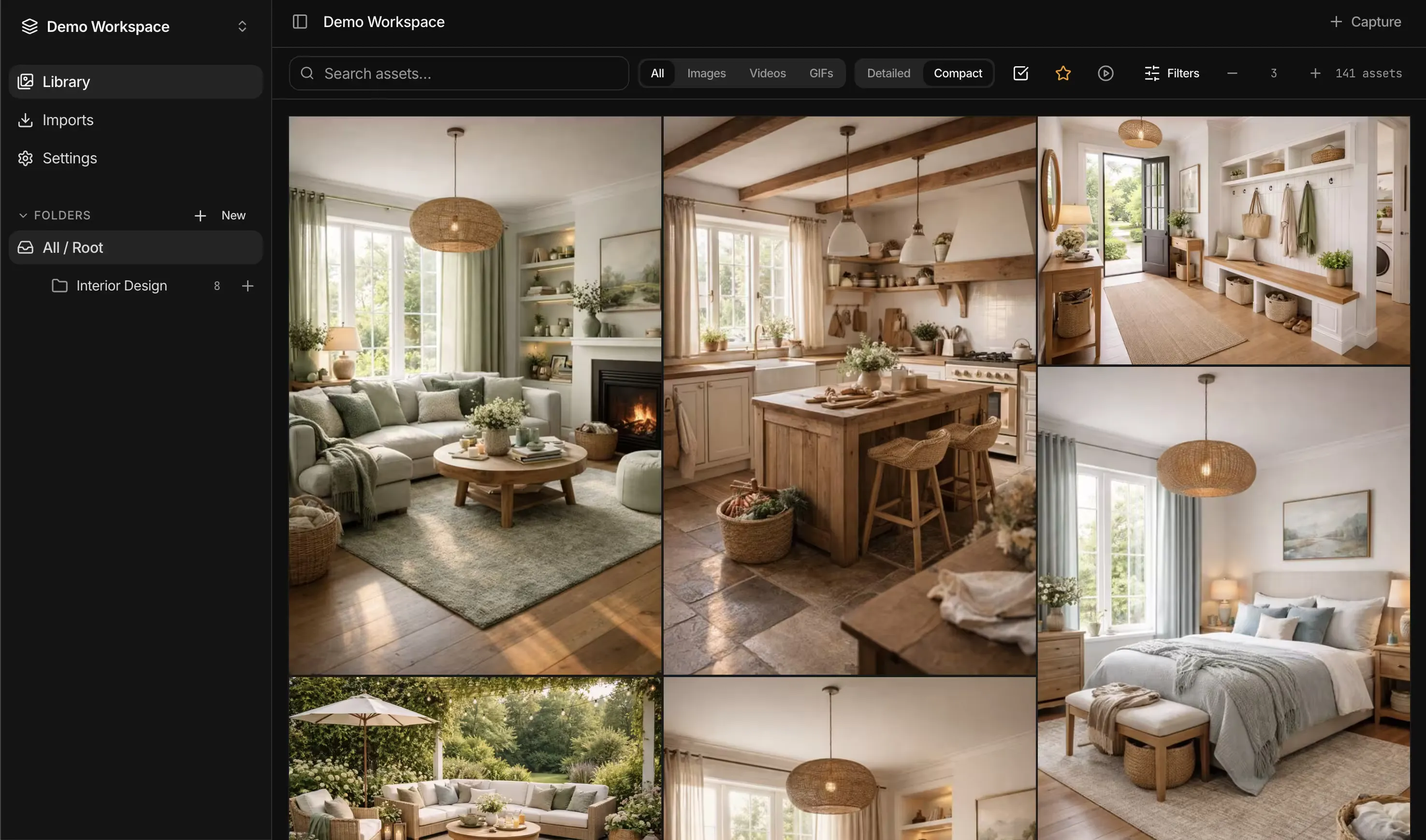
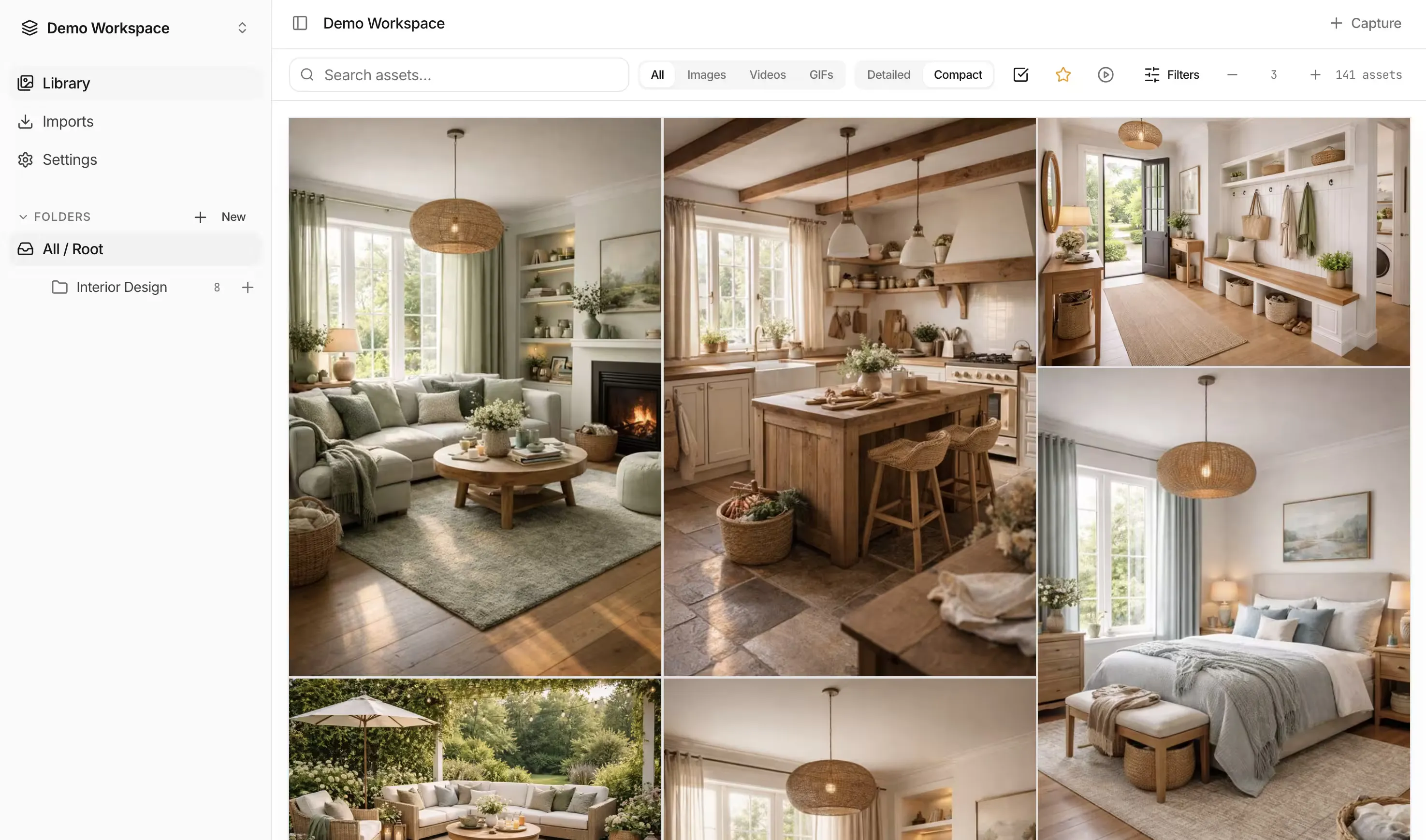
Posts disappear. Links break. Platforms remove content.
PicStack is where the inspiration you collect actually stays.
Built for a library that survives the web
Fast scanning, clear structure, and crisp media make large collections easy to explore and revisit.
Capture as you browse
Right-click, pull assets from a page, or drop local files. Built for discovery mode, not a clunky upload box.
Originals, not bookmarks
Files live in your archive. When a page goes dark, your references do not.
Context preserved
Source URL, page title, and capture date travel with every asset.
Search by meaning
Describe mood, texture, or subject. Semantic search surfaces the right frame without perfect filenames.
Organize without friction
Folders and projects that stay scannable as libraries grow.
Share when it helps
Optional shared workspaces when a board needs more than one pair of eyes.
One board for mixed media
Images, GIFs, and video in a single dense library, so a mood, aesthetic, or research thread stays intact instead of scattered across tabs and downloads.
Yours when the post is gone
Saves include the file and the story around it, so your board stays useful after feeds change or links die.
How it works
Collect from the web, store originals, organize and search when you need them.
- 01
Browse
Find something worth keeping anywhere on the web.
- 02
Capture
Save in one gesture: extension, page extract, or import.
- 03
Store
PicStack keeps the original file and its context.
- 04
Return
Organize, then find it again with folders or semantic search.
Capture channels
Multiple on-ramps so saving never pulls you out of the rabbit hole.
- Chrome extension and right-click save
- Full-page asset extraction
- Local uploads
- Import a browsing session (HAR, advanced)
How people use PicStack
Anyone who treats the web as a stream of visual ideas, not a place to trust long-term.
Personal collections
Keep your favourite images, GIFs, and videos from around the web in one organised place.
Save things you enjoy from blogs and social feeds without losing them in bookmarks or disappearing posts.
Interiors and moodboards
Collect materials, palettes, furniture, and room references without losing the original source.
Build boards that stay useful after feeds change, listings expire, or posts disappear.
Design and UX
Keep flows, interaction patterns, and visual references in one searchable library.
Save live UI examples as you browse, then find them later by mood, pattern, or product surface.
Game art and environments
Assemble dense visual worlds from screenshots, clips, textures, and scene references.
Store mixed media together so atmosphere and direction stay intact across a project.
Design & UX · Interiors & moodboards · Game art & environments · Research & datasets · Photography & craft · Digital archivists
PicStack
Give every reference a home that lasts
One free workspace is included with every account. Add paid workspaces only when you need more storage or collaboration.
Create free library